Website Repair and Maintenance, Case Studies

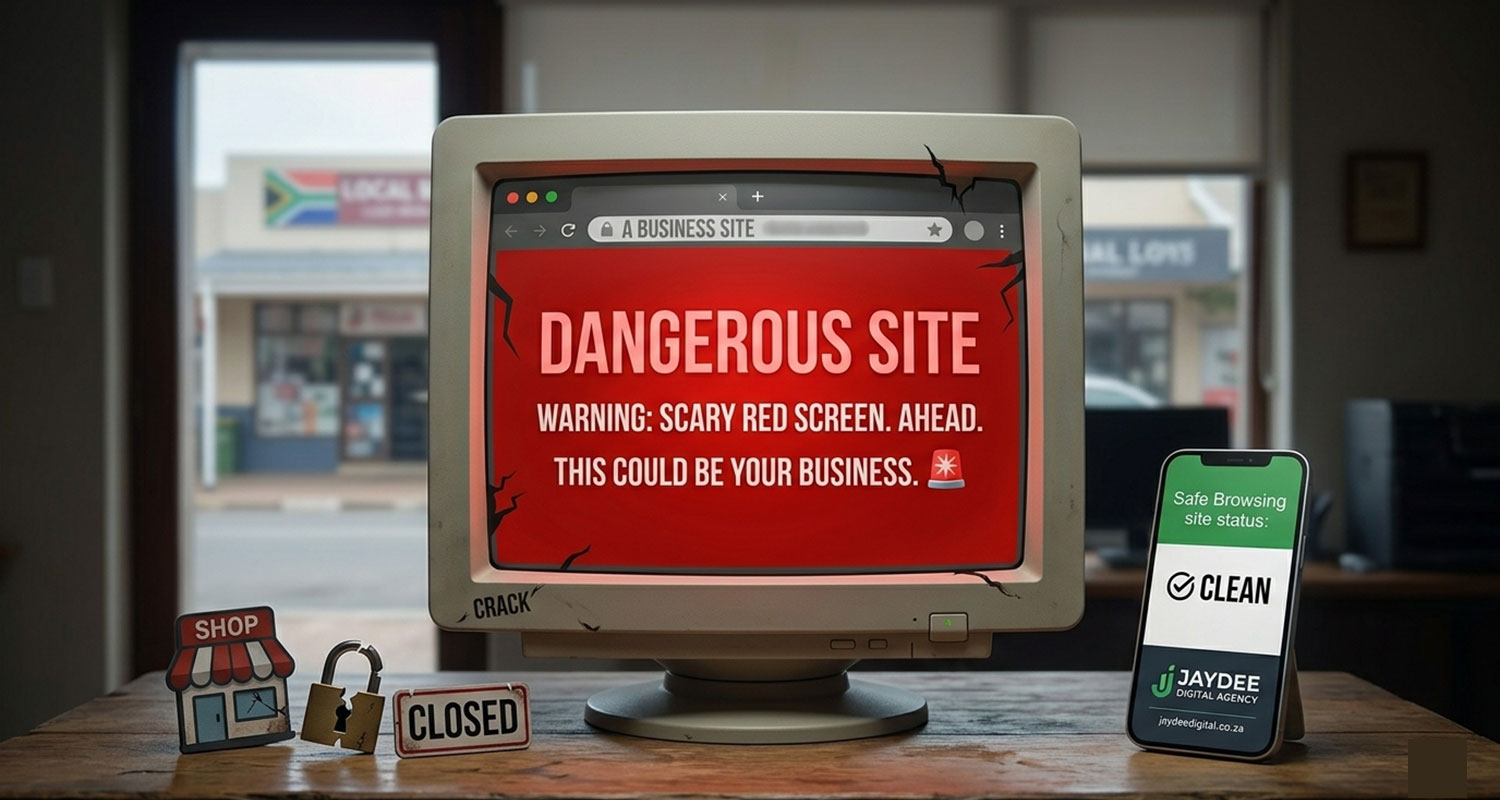
The Scary Red Screen: What It Means for Your Local Business

Red Screen malware reapir

The Red Screen of Death

Don’t Let a Hacked Website Kill Your Reputation

We’ve all seen it. You click a link to a local business, and instead of a beautiful website, you’re met with a giant, terrifying red screen: "Warning: Dangerous Site Ahead."

For a business owner, this is a digital heart attack.

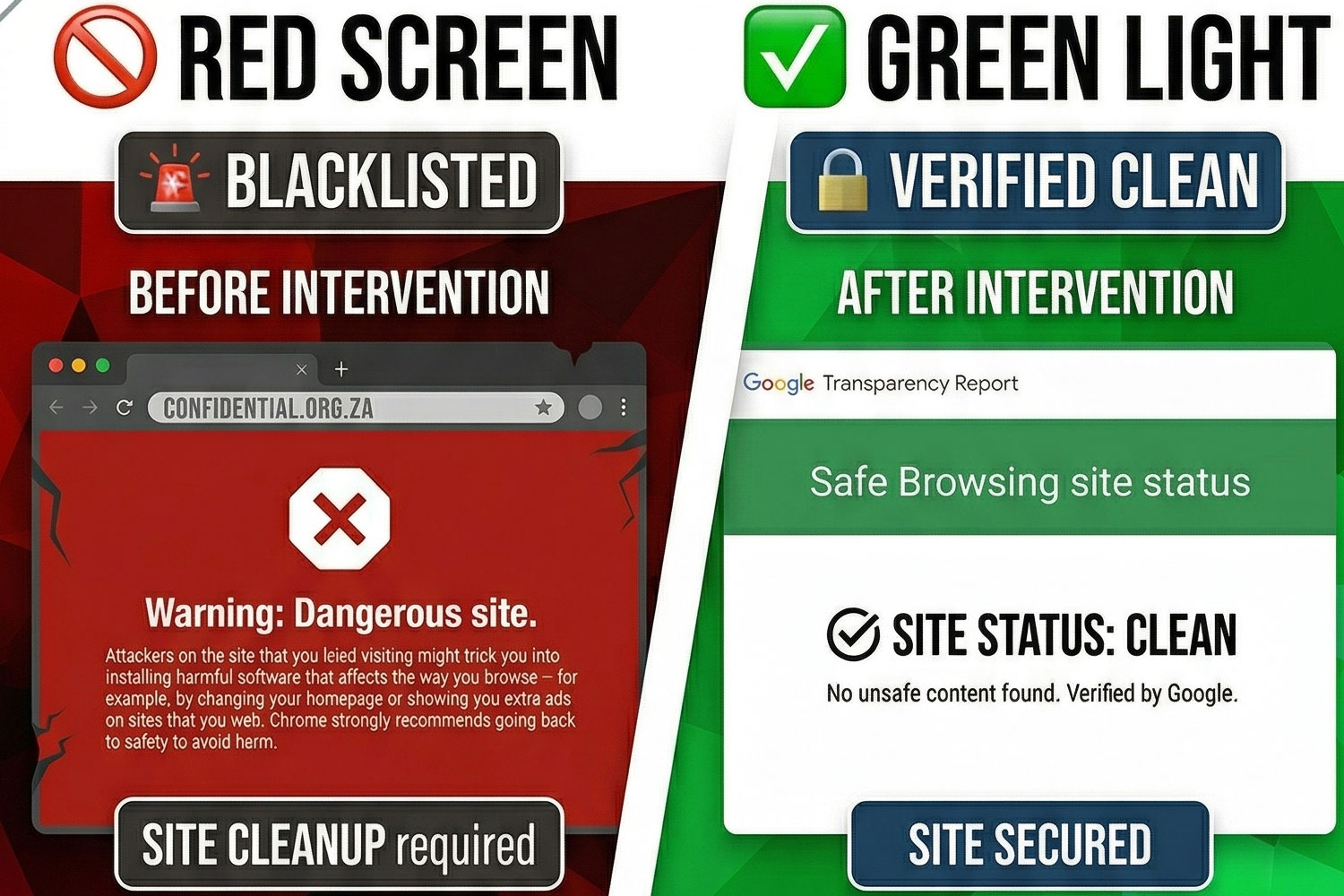
Recently, Jaydee Digital Agency was called in for an emergency "Red Screen Rescue" for a prominent local organization. Their site was blacklisted, their traffic was zero, and their reputation was on the line.

What We Discovered

Most people think hackers "change your password." In reality, it's much more surgical. In this case, we found:

  • Hidden scripts are buried in the WordPress core.
  • "Backdoors" left in outdated plugins.
  • Malicious redirects that were sending visitors to dangerous locations.

How We Fixed It (And How We Can Fix Yours)

We didn't just "hit reset." We followed a professional IT Specialist protocol:

  • Surgical Cleaning: Removing the infection without losing a single piece of client data.
  • Hardening: Installing a real-time Wordfence Firewall optimized for our local hosting environments.
  • The Google Handshake: Managing the formal review process to get the "Dangerous" label removed in under 24 hours.  Google waiting time 24 - 72 hours
fix dangerous red screen

The Lesson for Every Business in Hermanus

If your website is your "digital storefront," you wouldn't leave the front door unlocked at night. In today's climate, a "standard" website isn't enough—it needs to be a Secured website.

Are You Protected?

At Jaydee Digital Agency, we don't just build sites; we protect them. Whether you're currently facing a security crisis or you want to prevent one, we offer:

  • Comprehensive Security Audits
  • Monthly Maintenance & SEO Monitoring
  • Real-Time Firewall Protection

[Check out our full "Red Screen Rescue" Case Study here]

Frequently Asked Questions | FAQ's

Website Malware & Repair

Do you provide ongoing website maintenance and SEO monitoring?

Yes! At Jaydee Digital Agency, we don’t just "fix and forget." We offer comprehensive Monthly Maintenance Plans that include:

Security & Firewall Management: Keeping your "Red Screen" protection active 24/7.

Full Web & SEO Audits: Monthly testing to ensure your site is fast, mobile-friendly, and ranking correctly on Google.

Software Updates: Safely updating WordPress, themes (like Woodmart), and plugins (like WPBakery or Elementor Pro) to prevent vulnerabilities.

Performance Optimization: Monitoring your Hostinger server environment to ensure peak loading speeds for your visitors.

Why did my website show a "Dangerous Site" red screen?

Google’s Safe Browsing technology flags sites that contain malicious code, phishing scripts, or unwanted software. This usually happens when a site is hacked through outdated plugins, weak passwords, or server vulnerabilities.

How long does it take to remove the red warning?

While we can usually clean the malicious files within a few hours, Google must then re-scan the site. This "Request Review" process typically takes between 24 to 72 hours to fully clear the warning across all browsers.

Can I just put up an "Under Construction" page to fix it?

No. An "Under Construction" page only hides your content; it doesn't remove the malicious scripts that Google has detected. The domain remains blacklisted until the underlying security threat is surgically removed and verified.

Will my SEO rankings be affected by a malware infection?

If left unresolved, a "Dangerous Site" flag can lead to a total drop in search rankings. However, by acting fast—like we did in our Red Screen Rescue case study—most sites recover their previous rankings once the site is clean and verified as secure.

Do I need to buy Wordfence Premium for my site?

The free version is excellent for basic protection, but for high-stakes sites or NGOs, we recommend Wordfence Premium. It provides real-time malware signatures and country-blocking features that stop attacks before they even reach your server.

What should I do if I see the "Dangerous Site" warning on my site?

Immediately disconnect any auto-posting to social media, avoid logging in from an unsecured network, and contact a security specialist. Every hour the red screen stays up, your brand’s trust level drops.

How do I get in Touch?

You can start by visiting Jaydee Media and completing the project enquiry form. The team will review your requirements and recommend the best video production approach for your business.

Do You Need a SEO & Website Audit?