
Blog
The High Cost of “Cheap”: A WordPress Redirect Hack Fix Case Study

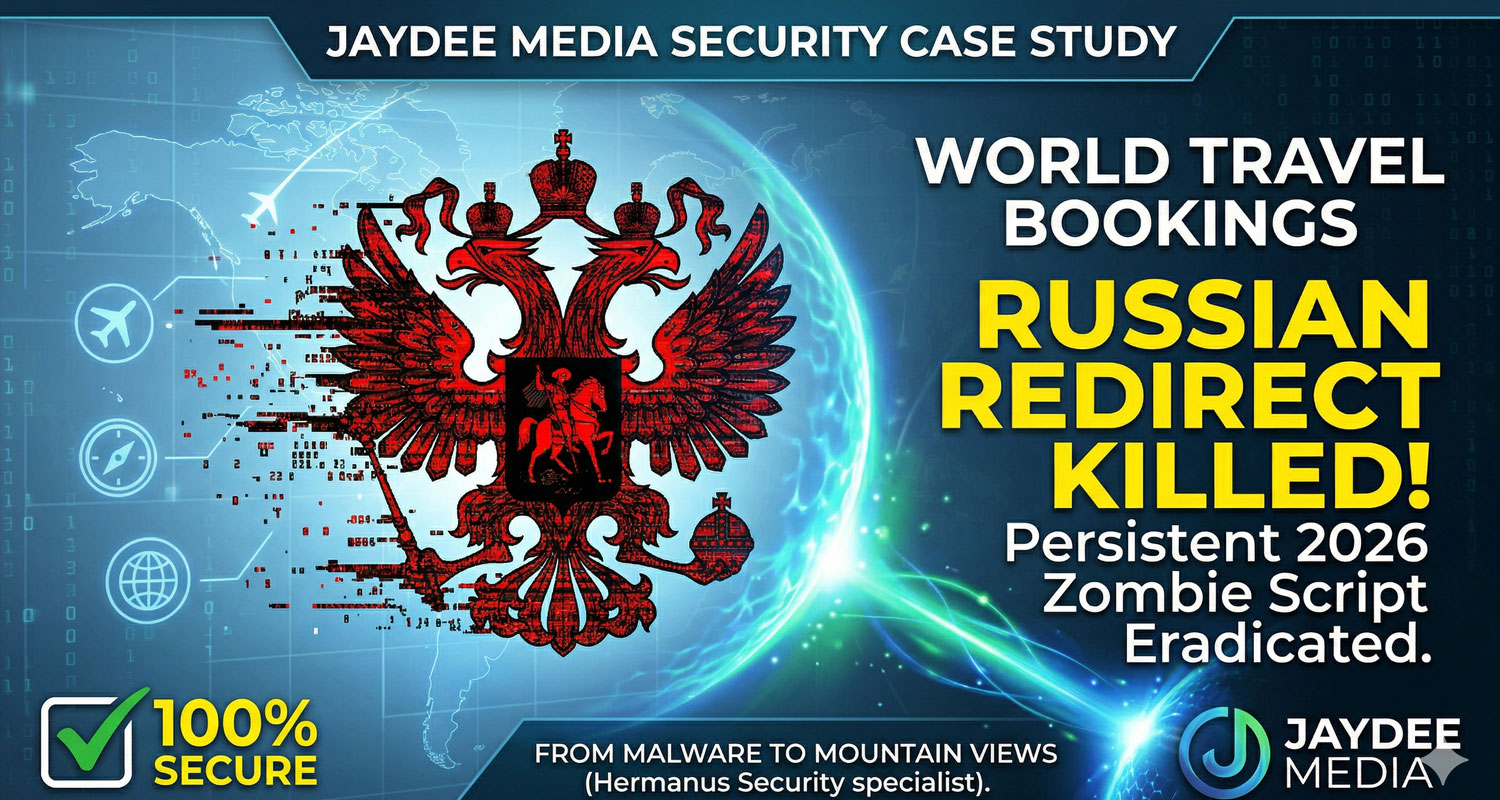
The High Cost of "Cheap": Our 5-Hour Battle with a Russian Zombie Script
Why restoring a backup isn't enough when your reputation is on the line
Tired of your site redirecting to spam? See how Jaydee Media implemented a WordPress redirect hack fix for Travel Bookings after a many failed attempts.
The Nightmare Scenario:
Imagine waking up, grabbing your morning coffee in Hermanus, and opening your business website, only to be redirected to a Russian adult site.
This was the reality for World Travel Bookings. It wasn't just a "glitch"; it was a targeted, persistent infection that had been woven into the very fabric of the site by a previous "cheap" developer’s shortcuts.
The "Zombie" That Wouldn't Die
We’ve all heard it: "Just restore a backup, and it’ll be fine." Wrong. For this project, we wiped the server and restored a clean 2022 backup. Within hours, the Russian redirect was back. It was a "Zombie" script. The hacker hadn't just broken in; they had left "agents" (backdoor PHP files) hidden in the image folders and "scheduled tasks" in the hosting account to re-infect the site every time we cleaned it.
The Jaydee Media "Nuclear" Response | WordPress redirect hack fix
At Jaydee Media, we realized that "patching" this site was like putting a Band-Aid on a sinking ship. We had to go nuclear.
- The Surgical Swap: We didn't just update the theme. We deleted every "stolen" or "nulled" file and replaced them with 100% official, lifetime-licensed versions of Kadence and Elementor.
- The Database Scrub: We dove into the "brain" of the website (the SQL database) to hunt down hidden redirect commands that were bypassing every security plugin on the market.
- The 5-Hour Lockdown: We spent an entire morning manually auditing every folder, resetting every password, and killing unauthorized "Cron Jobs" (automated tasks) that the previous developer had ignored.
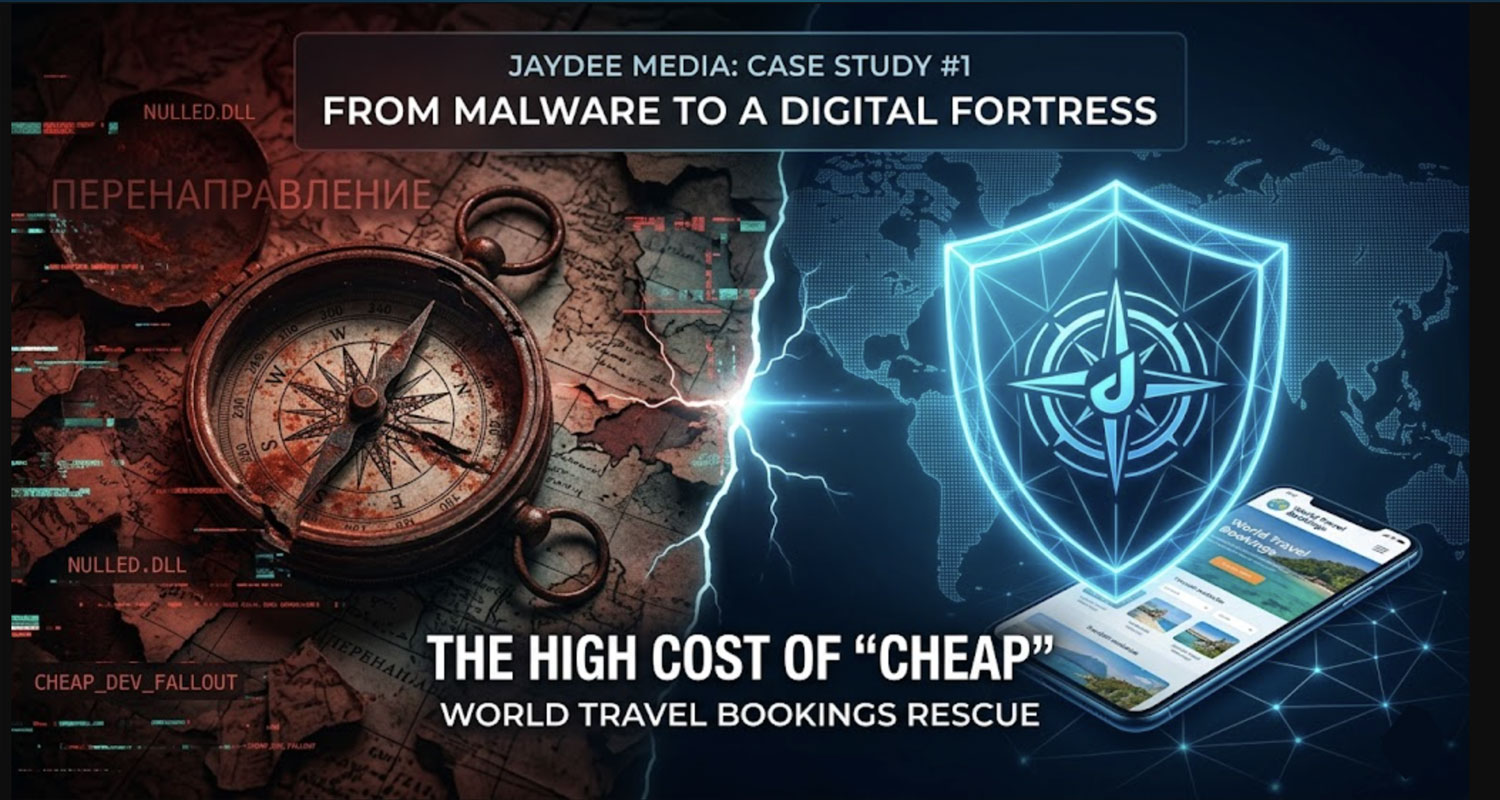
The Lesson: Cheap Choices Cost the Most.
The previous developer saved the client a few Rand by using "nulled" software. But that "saving" ended up costing:
- A Month: Constant fear of the next hack.
- SEO Damage: Google blacklisting the site as "Dangerous."
- Professional Fees: Having to pay a specialist (us) to fix a mess that should never have happened.
The Happy Ending after our WordPress redirect hack fix
Today, World Travel Bookings isn't just "fixed." It’s a digital fortress. It’s faster, it’s 100% legal, and most importantly, it’s secure. Are you tired of "cheap" fixes that don't last? If your website is fighting back, or if you suspect your developer took shortcuts that put your business at risk, let’s talk. At Jaydee Media, we don't just build websites—we protect your legacy.
Frequently Asked Questions | FAQ's
WordPress Malware Removal & Security
The "Golden Rule" for 2026 is Zero-Trust Security:
Never use unlicensed (nulled) software.
- Keep WordPress, themes, and plugins updated to the latest security patches (like the March 2026 fix).
- Delete any plugins or themes you aren't actively using.
- Use Two-Factor Authentication (2FA) and a server-level firewall like Wordfence to block brute-force attacks before they even reach your login page.
Restoring a backup often isn't enough because the "Russian agent" (the malware) can hide in your database or as a "backdoor" script in your image folders. If you restore old files without a Nuclear Cleanup of the database and a scan for hidden .php files in your uploads, the infection will simply "re-spawn" the next time a visitor hits the site.
Absolutely. Nulled themes (stolen versions of premium themes) are almost always injected with malicious code. These "backdoors" allow hackers to bypass your login, steal client data, and redirect your traffic to dangerous sites. This doesn't just break your site; it destroys your SEO ranking and your professional reputation.
This is a specific type of malware that detects where your visitors are coming from. It often hides from the "Admin" (you), but sends your customers to malicious adult or gambling sites. In 2026, these are often "Zombie" scripts that use server-level Cron Jobs to re-infect your site every hour, making them nearly impossible to kill without professional tools.
If left unresolved, a "Dangerous Site" flag can lead to a total drop in search rankings. However, by acting fast—like we did in our Red Screen Rescue case study—most sites recover their previous rankings once the site is clean and verified as secure.
Yes! At Jaydee Digital Agency, we don’t just "fix and forget." We offer comprehensive Monthly Maintenance Plans that include:
- Security & Firewall Management: Keeping your "Red Screen" protection active 24/7.
- Full Web & SEO Audits: Monthly testing to ensure your site is fast, mobile-friendly, and ranking correctly on Google.
- Software Updates: Safely updating WordPress, themes (like Woodmart), and plugins (like WPBakery or Elementor Pro) to prevent vulnerabilities.
- Performance Optimization: Monitoring your Hostinger server environment to ensure peak loading speeds for your visitors.
You can start by visiting Jaydee Media and completing the project enquiry form. The team will review your requirements and recommend the best video production approach for your business.