Joomla migration error 500 fix

From Joomla 500 Error to 5-Star Performance

Solving Critical Migration Failures & Database Collapses for a Premium Travel Directory.

When a high-stakes site migration was met with catastrophic 500 errors and "Access Denied" database failures, Jaydee Media stepped in to perform a full technical recovery.

PlatformJoomla 4.4  / PHP 8.2
ProjectFix Joomla 500 error
CategoryWebsite Repair / Migration Services

Full Case Study: Fixing the error 500 on a Joomla Website

The Challenge: A Migration in Crisis

The transition of Africa Travel Explore (formerly South Africa Travel Bookings) was far from a simple “copy-paste” job. Upon moving to a new server environment, the site collapsed. Visitors were greeted by the dreaded orange “Whoops” screen—a Joomla 500 Internal Server Error.

The Technical Roadblocks Included:

  • PHP Handler Conflicts: The server was failing to recognize PHP files, triggering automatic file downloads instead of executing the site code.

  • Database Access Denial: A complete disconnect between the Joomla configuration and the new cPanel database user permissions.

  • Legacy Code Interference: Residual .htaccess Directives from a previous environment were clashing with the new hosting architecture.

The Jaydee Media Solution: Surgical Technical Recovery

To bring the site back to life, we followed a rigorous recovery protocol:

  1. Infrastructure Audit: We identified the server-level mismatch and manually updated the .htaccess handlers to align with PHP 8.2/8.4 standards.

  2. Database Reconstruction: We surgically repaired the connection by deleting and recreating the database user, re-mapping privileges, and updating the configuration.php with verified credentials.

  3. Path Optimization: We corrected absolute paths for the tmp and logs folders to match the new /home2/africatr/ directory structure.

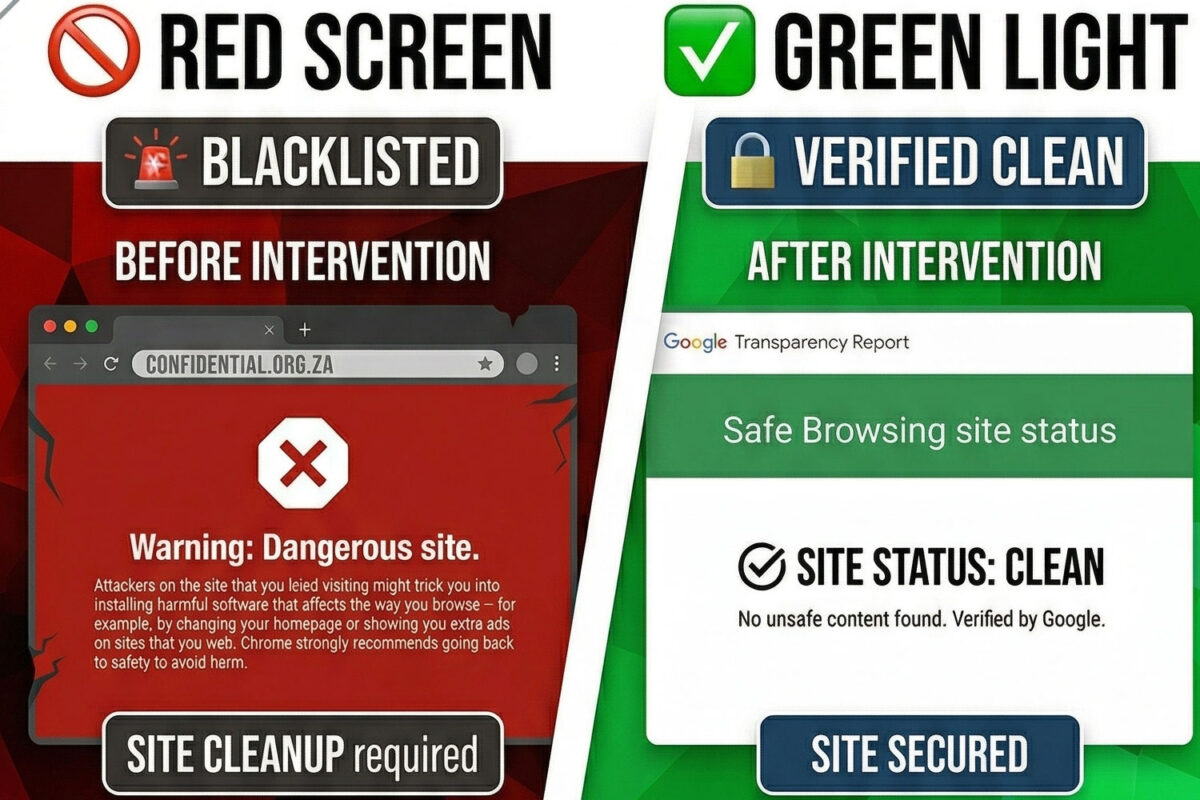
  4. Security Hardening: We resolved “Not Secure” browser warnings by enforcing a global HTTPS redirect and clearing the HSTS cache to ensure a 100% green-lock SSL certificate.

The Outcome: A Foundation for Adventure

Today, Africa Travel Explore is not just “fixed”—it is optimized. The site now serves as a high-speed, secure directory for African safari packages, accommodations, and travel guides.

By resolving these critical technical failures, Jaydee Media ensured that the client’s digital asset was protected, the user experience was seamless, and the site was fully prepared for aggressive SEO and business growth.

“A website migration is only as strong as the troubleshooting behind it. We don’t just move files; we ensure the engine is running at peak performance.”Jeanette du Toit, Jaydee Media

Digital Services

Web Development & Design

Frequently Asked Questions | FAQ's

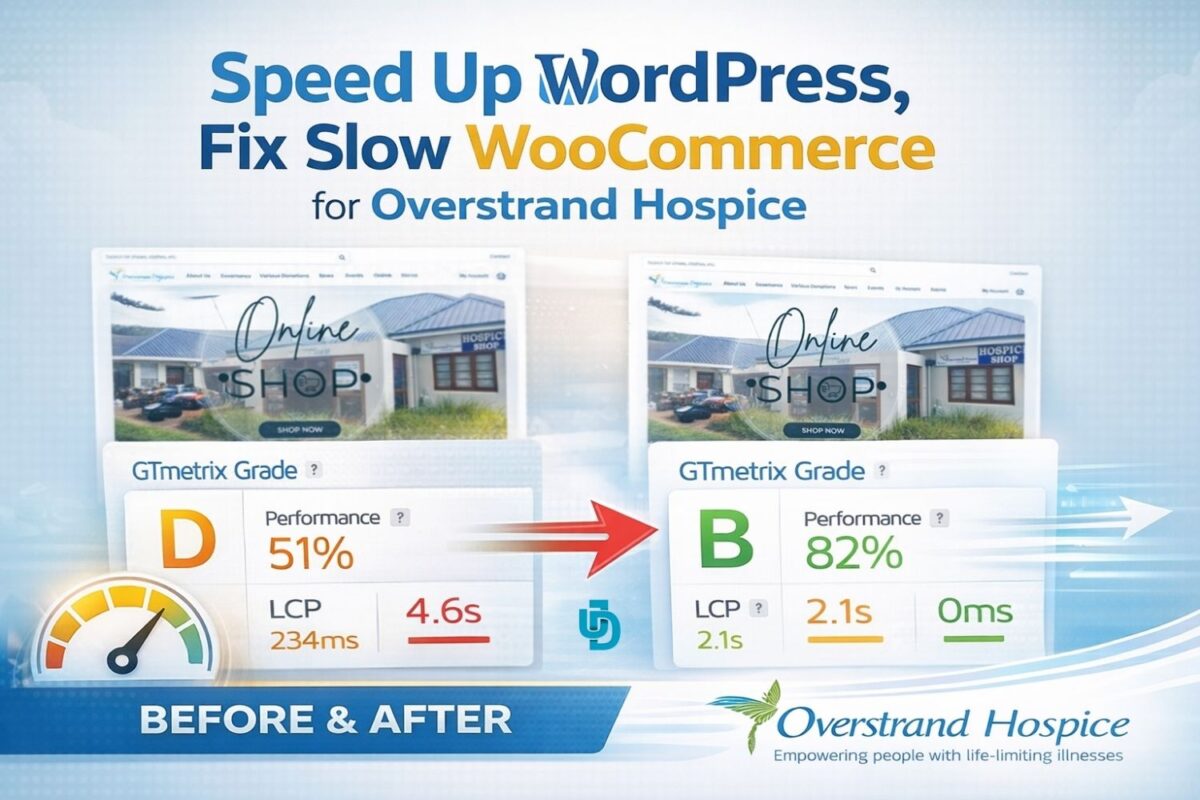
Speed up WordPress, and fix slow WooCommerce Website

Why did my website show a "500 Internal Server Error" after moving to a new host?

A 500 error is a "catch-all" message indicating the server encountered an unexpected condition. In this case study, it was caused by a mismatch between the website’s .htaccess file and the new server's PHP handler. Jaydee Media resolved this by surgically updating the server directives to match the current hosting environment.

What does "mysqli_sql_exception: Access denied" mean for my Joomla site?

This error occurs when Joomla tries to talk to its database but is rejected. It usually happens if the database name, username, or password in the configuration.php file doesn't exactly match the credentials in cPanel. We fix this by re-mapping user permissions and syncing the credentials.

Is it safe to run Joomla 4 on PHP 8.4?

Yes, but it requires careful configuration. While PHP 8.4 offers superior speed and security, older extensions or templates may throw "Deprecated" warnings. At Jaydee Media, we optimize your configuration.php and error reporting levels to ensure your site stays fast and clean on the latest PHP versions.

My site says "Not Secure" even though I have an SSL certificate. Why?

This is often a "Mixed Content" issue or an SSL mismatch. Even if a certificate is present, if your site settings still point to http:// instead of https://, browsers will flag it. We resolve this by enforcing a global HTTPS redirect and updating the "Live Site" paths in the Joomla core.

Will a domain change or migration affect my SEO rankings?

If handled incorrectly, yes. However, by using proper 301 redirects and ensuring the new server is optimized for speed (like we did for Africa Travel Explore), you can actually improve your rankings. A clean, fast Joomla 4 site is a favorite for search engines like Google.


Can Jaydee Media recover a site if I don't have a recent backup?

While a backup is always preferred, we can often perform a "manual recovery" if we have access to the server files and the database. This case study is a prime example: we took a broken migration and manually re-linked the "heart" of the site to bring it back to life without losing any data.

How do I get in Touch?

You can start by visiting Jaydee Media and completing the project enquiry form. The team will review your requirements and recommend the best video production approach for your business.

Digital Services